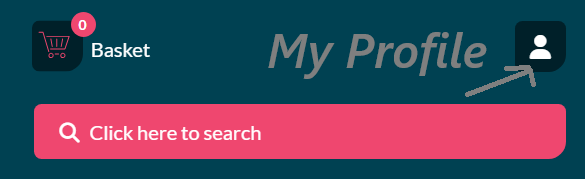
To update your Club or Society details, locate the My Profile button  on the top bar,
which is to the right of the Basket  icon.
icon.
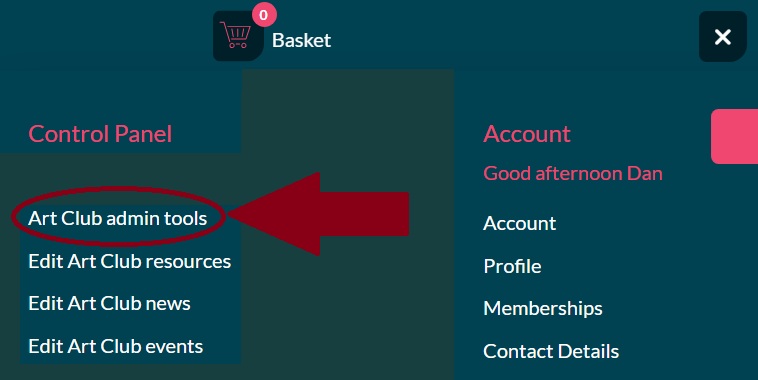
Then select the Admin option eg Admin Cricket Club or Admin Art Club
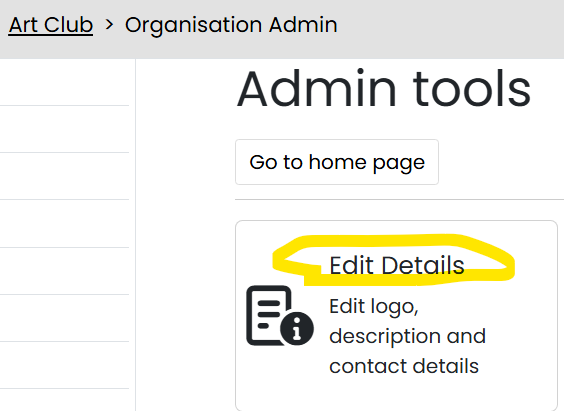
- On your organisation Admin tools, scoll down until you see the 'Edit Details' button
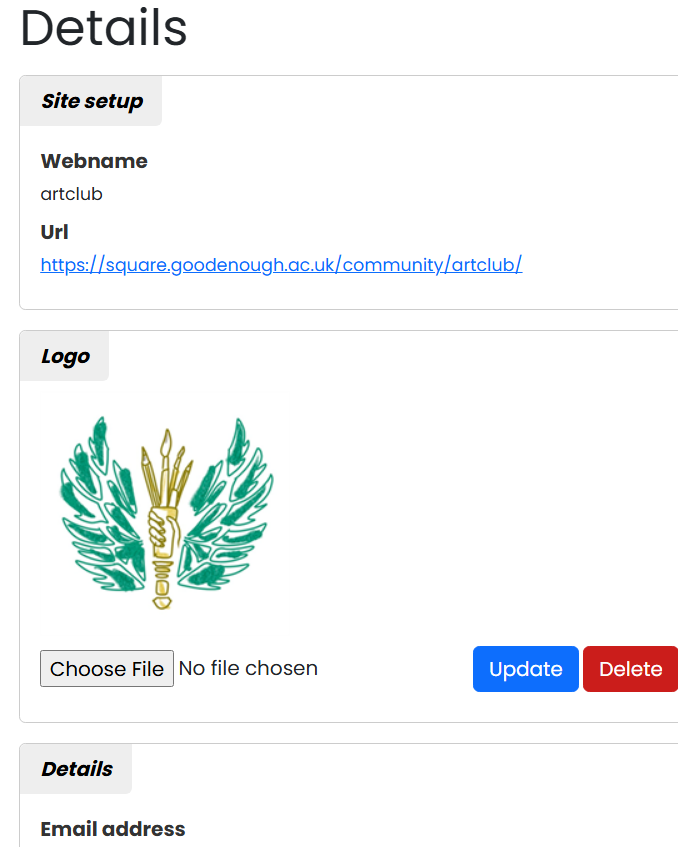
Complete the details for your organisation (see below for details on each field), then click on ‘update’ to save them.
Listing and Long Descriptions - Set out your stall!
- With so many clubs and societies to join, you need to set out your stall, and make your club or society compelling enough to join!

- Please provide a brief paragraph of text in the Listing (Short) Description which succinctly describes your club or society, and gives members a reason to join.
You are limited to 200 characters, so please be very brief!
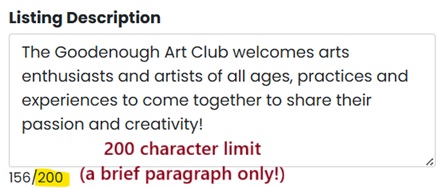
- Then, having piqued their interest, elaborate a little further in the Long Description.
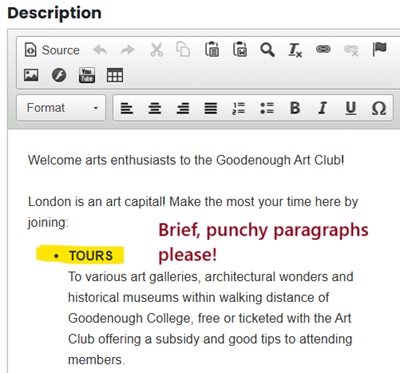
Provide a few bullet points and one or two paragraphs of text, and perhaps an image, outlining the benefits of joining your club or society.
Example :
"The Goodenough Art Club welcomes arts enthusiasts and artists who wish to explore their passion and creativity.
Aims :
* Draw and paint with like minded members
* Get inspired with visits to art galleries and talks from local artists
* Network and socialise!"
Remember, too much detail and potential members will get bored and are unlikely to join.
Organisational Details
Webname
Your webname is a way of uniquely identifying your organisation on the website (3 - 20 characters).
Logo
Upload or change your organisation's logo by clicking "Choose file", seleting your image and "Update".
Email address
This is the email address that will be published to contact your organisation, enter a full valid email address e.g. captain@myuniclub.com.
Web address
If you have a separate external website, enter the full address here e.g. http://www.myuniclub.com
Social Media Section
Twitter username
If you have an organisation Twitter feed, add the Twitter username here e.g. @myuniclub
Facebook URL
If you have an organisation Facebook page, enter the full address here e.g. https://www.facebook.com/myuniclub
View your default page by clicking on ‘Back to admin tools’.
Back to top